


Did you know that 17% of cold emails never reach the inbox? If your sales team launches outbound campaigns from a fresh domain without proper preparation, you risk triggering spam filters and permanently damaging your company’s digital reputation.
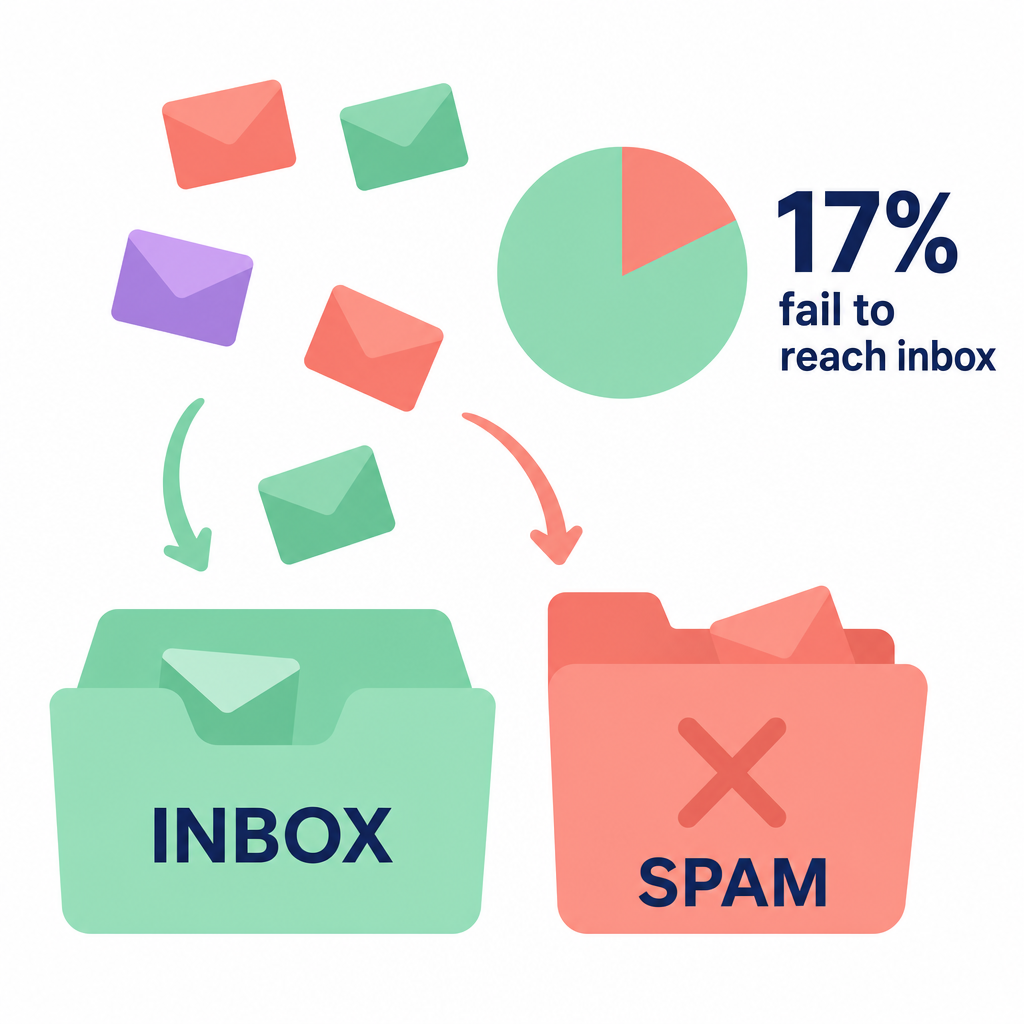
For manufacturing companies looking to secure contracts with new distributors, OEMs, or enterprise clients, reliable communication is vital. To protect your pipeline, you must establish a strong sender reputation before launching active sales campaigns. Implementing a step-by-step domain warm-up strategy ensures your emails land in the primary inbox instead of the spam folder.
What is email warm-up and why does it matter?
Email warm-up is the process of gradually building a positive reputation with email service providers (ISPs) like Google and Microsoft before sending campaigns at scale.
When you register a new domain or set up a fresh inbox, ISPs treat it with suspicion. If you suddenly start sending dozens of emails a day from an unproven address, automated filters assume you are a spammer and block your messages.
To prevent this, you must show ISPs that your emails are authentic, safe, and welcome. By starting with a tiny volume of messages and generating genuine engagement, you prove your inbox is run by a real professional. Engagement signals – such as recipients opening your messages, replying to them, and marking them as important – build the trust required to ensure high deliverability.
Poor deliverability does more than just hide your emails; it directly stalls your business development. To understand how these technical barriers impact your bottom line, read our guide on measuring email deliverability’s impact on your global sales pipeline.
The technical foundation: Checklists before you warm up
You should never send a single outreach email until your technical settings are correctly configured. Skipping authentication protocols will ruin your warming efforts from day one.
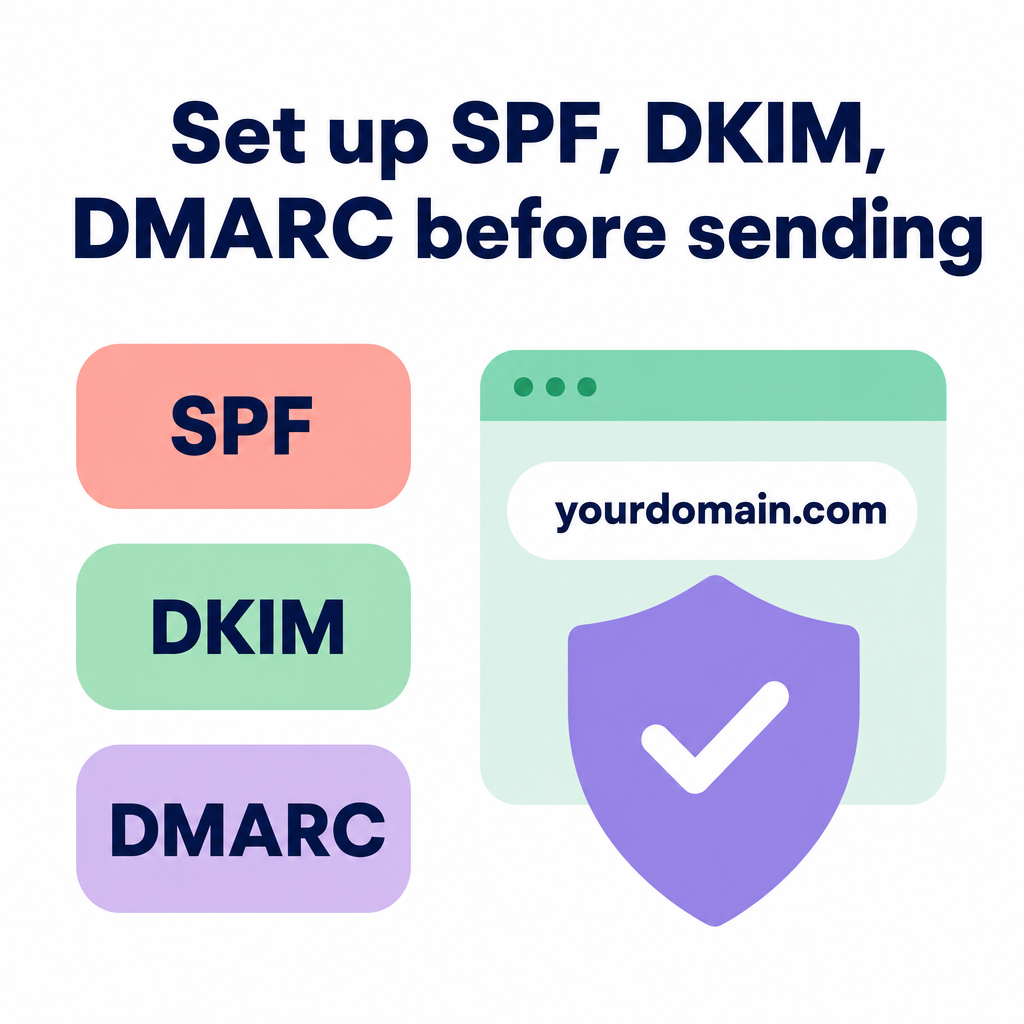
Before starting your ramp-up schedule, ensure your IT department has set up these three core protocols:
- SPF (Sender Policy Framework): A public record in your DNS that lists exactly which servers and IP addresses are authorized to send emails on behalf of your domain.
- DKIM (DomainKeys Identified Mail): A cryptographic signature added to your email headers that proves the message was actually sent by you and was not tampered with in transit.
- DMARC (Domain-based Message Authentication, Reporting, and Conformance): A policy that tells receiving servers how to handle emails that fail SPF or DKIM checks.
Major providers like Google and Microsoft enforce strict authentication standards, especially for outbound campaigns. For a complete breakdown of these security changes and how to stay compliant, review our article on updating your setup for modern email authentication standards.
Additionally, always protect your company’s primary corporate domain by using a separate domain or subdomain (such as get-company.com instead of company.com) for outbound campaigns. This ensures that even if you hit deliverability issues, your day-to-day internal emails remain unaffected. Learn more about setting up your infrastructure in our practical guide to cold outreach for manufacturing.
Your step-by-step email warm-up schedule
A dependable domain reputation takes 3 to 6 weeks to establish. This process requires patience, consistency, and a highly structured ramp-up routine.
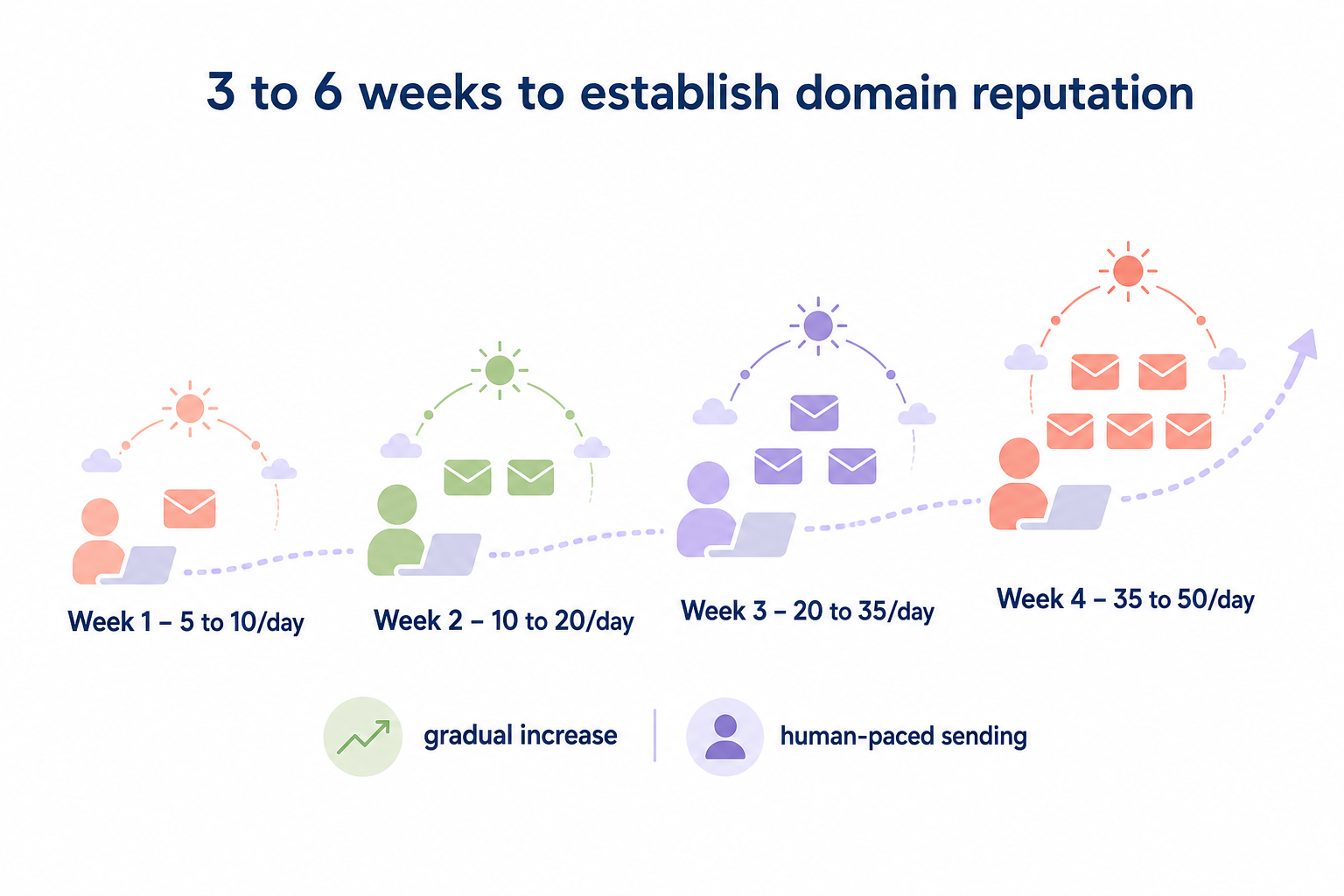
Here is a proven weekly schedule to safely warm up a new inbox:
| Timeframe | Daily Sending Volume | Strategy & Pacing |
|---|---|---|
| Week 1 | 5 to 10 emails per day | Send plain-text messages only. Send these to colleagues, partners, or internal accounts where you can guarantee the recipient will open, reply, and star the email. |
| Week 2 | 10 to 20 emails per day | Gradually increase volume. Ensure you are spacing the emails out across the entire day rather than blasting them all at once. |
| Week 3 | 20 to 35 emails per day | Begin sending a small mix of messages to trusted external contacts. Always adjust your volume in small daily steps (around 5% to 10% increases). |
| Week 4 | 35 to 50 emails per day | Introduce highly targeted, personalized outbound messages. Continue monitoring bounce rates and replies closely. |
Crucial pacing rules to follow
- Send like a human: Do not send 50 emails in one minute. Spread your sending volume evenly throughout the day.
- Monitor engagement by receiver: If you notice a drop in open rates or a spike in bounces, immediately decrease your sending volume by 25% to 30% until your metrics normalize.
- Encourage two-way conversations: ISPs track the ratio of sent messages to received replies. Getting replies is the single most powerful signal to boost your sender score.
For more technical insights on handling volume increases safely, see our guide on ensuring email deliverability in automated outreach.
Common warm-up mistakes that trigger spam filters
Even with a steady ramp-up schedule, certain behavioral triggers can land your cold emails in the spam folder. Avoid these common pitfalls to keep your sender reputation intact.
Avoiding bought lead lists
Purchased databases are frequently filled with invalid addresses and spam traps – inactive emails monitored by ISPs to catch spammers. Hitting even one spam trap can immediately land your domain on a blacklist. Instead, focus on building highly verified, targeted lists of relevant decision-makers.
Steering clear of attachments and heavy HTML
Spam filters scrutinize email content. Heavy HTML, tracking pixels, and attachments – especially PDFs or ZIP files – are immediate red flags for security systems. Keep your outreach emails under 125 words, written in simple plain text, and limit yourself to one or two high-quality links.
Failing to personalize your messaging
Generic, copy-pasted templates get marked as spam by recipients, which instantly damages your reputation. To keep engagement high and spam complaints under 0.1%, tailor each message to the recipient’s specific role, industry, and facility pain points.
Using highly researched data points allows you to safely scale your outreach. To learn how to implement this strategy, read about scaling cold email personalization without losing the human touch.
How to automate your deliverability safeguards
Manually warming up domains, verifying lists, and writing tailored messages for dozens of industrial prospects requires hours of manual work every week. For busy manufacturing executives, this administrative burden can distract from closing deals.
By using advanced automation, you can protect your sender reputation while growing your sales pipeline. Discover how to streamline this process by using AI to personalize your cold email campaigns.
If you want to automate your outbound lead generation entirely, Sera can help. Sera is an AI-driven B2B outreach Autopilot that coordinates six specialized AI agents to run your campaigns with human-in-the-loop supervision.
Sera’s built-in Deliverability Guard automatically manages technical safeguards, validates prospect email addresses, and warms up your sending domains. Meanwhile, our list-building and research agents find decision-makers at target manufacturing firms and write natural, highly personalized emails in over 100 languages.
To scale your outreach safely without risking your domain reputation, explore Sera’s AI Autopilot today and see how we can book high-value meetings for your sales team.