


Are your sales emails actually being read, or are they vanishing into a digital void? Pipedrive’s email tracking removes the guesswork by showing exactly when a prospect engages with your outreach, helping you time your follow-ups with precision.
How Pipedrive monitors your outreach
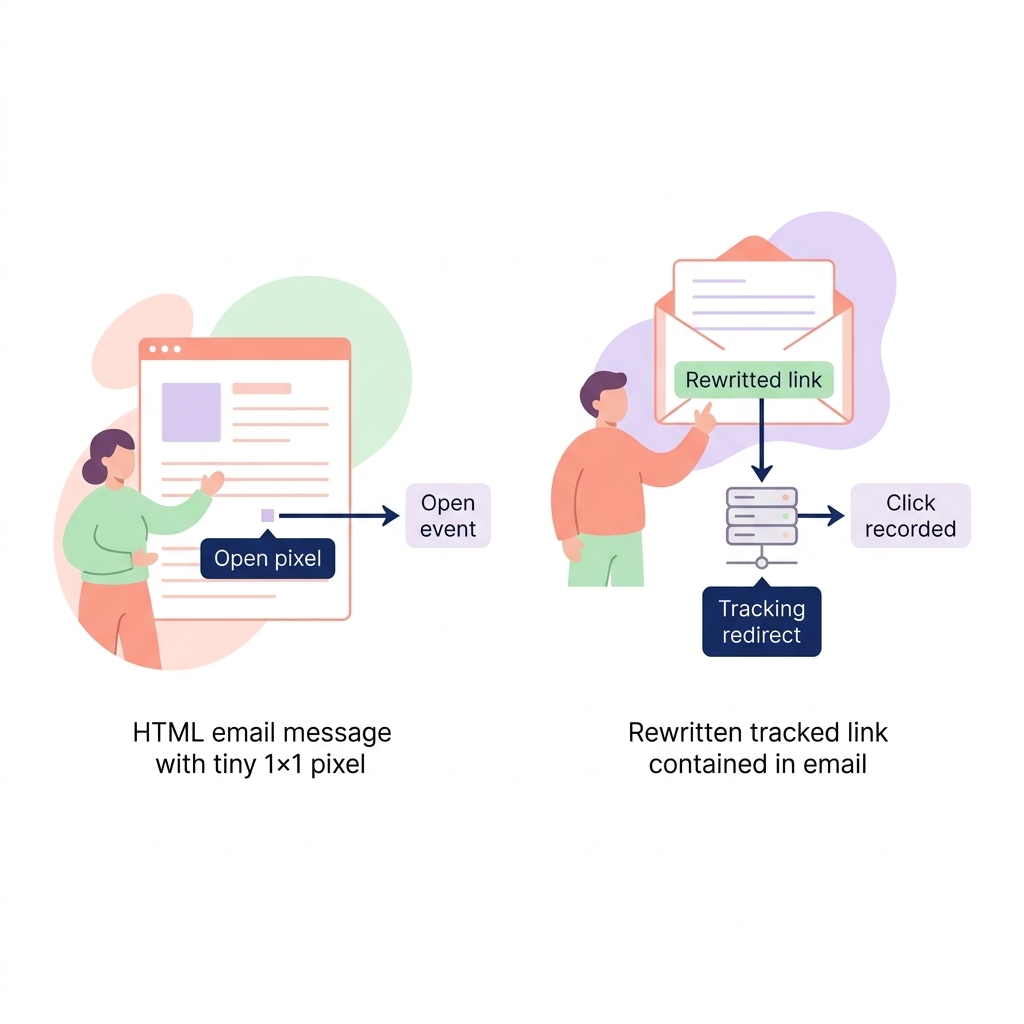
Pipedrive uses two primary technical methods to track how recipients interact with your messages. For open tracking, the system embeds an invisible 1x1 tracking pixel into your HTML emails. When the recipient’s email client loads this tiny image, Pipedrive logs it as an open event. Link tracking works differently by rewriting every URL in your message into a unique tracking link that redirects through Pipedrive’s servers, recording which specific links were clicked and when.
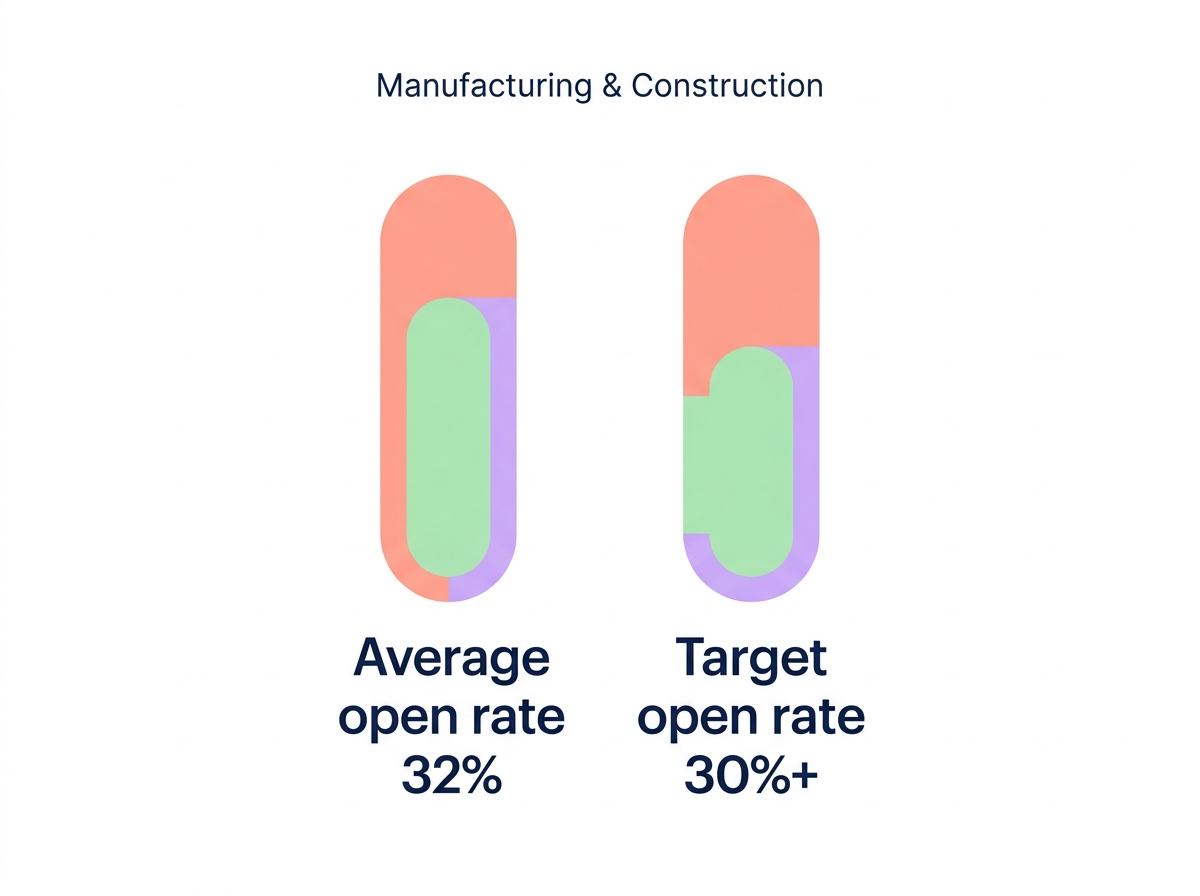
While these tools provide valuable behavioral data, they are most effective when benchmarked against industry standards. In the manufacturing and construction sectors, average open rates hover around 32%. Aiming for a target of 30% or higher is a strong indicator of a healthy mastering your Pipedrive sales process that resonates with your procurement and engineering leads.
Setting up tracking in your account
To access these features, your Pipedrive account must be on the Growth plan or higher, and your email provider must be fully connected via the email sync feature. You can configure these settings by navigating to Personal preferences and selecting the Email sync tab. Within these settings, you can set your global preferences for open tracking, link tracking, and real-time notifications.
Once these defaults are established, you maintain granular control over every message you send from the Pipedrive composer. You can toggle tracking for individual emails using specific icons:
- The eye icon enables or disables open tracking for the current draft.
- The cursor icon manages link tracking for any URLs included in your message.
- The notification bell allows you to receive immediate alerts when engagement occurs.
It is important to remember that tracking only applies to original recipients listed in the To, Cc, or Bcc fields. These features cannot be applied retroactively to emails that have already been sent.
Acting on real-time engagement data
Tracking data is most effective when it triggers immediate sales action. You can view granular engagement metrics, including how many times a message was viewed and precise timestamps, within the Recipients tab of any sent email. This visibility allows you to distinguish between a prospect who glanced at your technical specifications once and one who is actively reviewing your proposal multiple times.
For high-priority deals, you can use Pipedrive sales automation to create workflows based on this activity. For example, you might set up an automation that creates a high-priority call task whenever a prospect clicks a specific pricing link or opens an email more than three times. Using these engagement signals helps you move away from cold calling and toward “warm” follow-ups when your lead is already thinking about your solution. You can find more practical setups in our guide on Pipedrive workflow automation examples.
Navigating privacy and troubleshooting
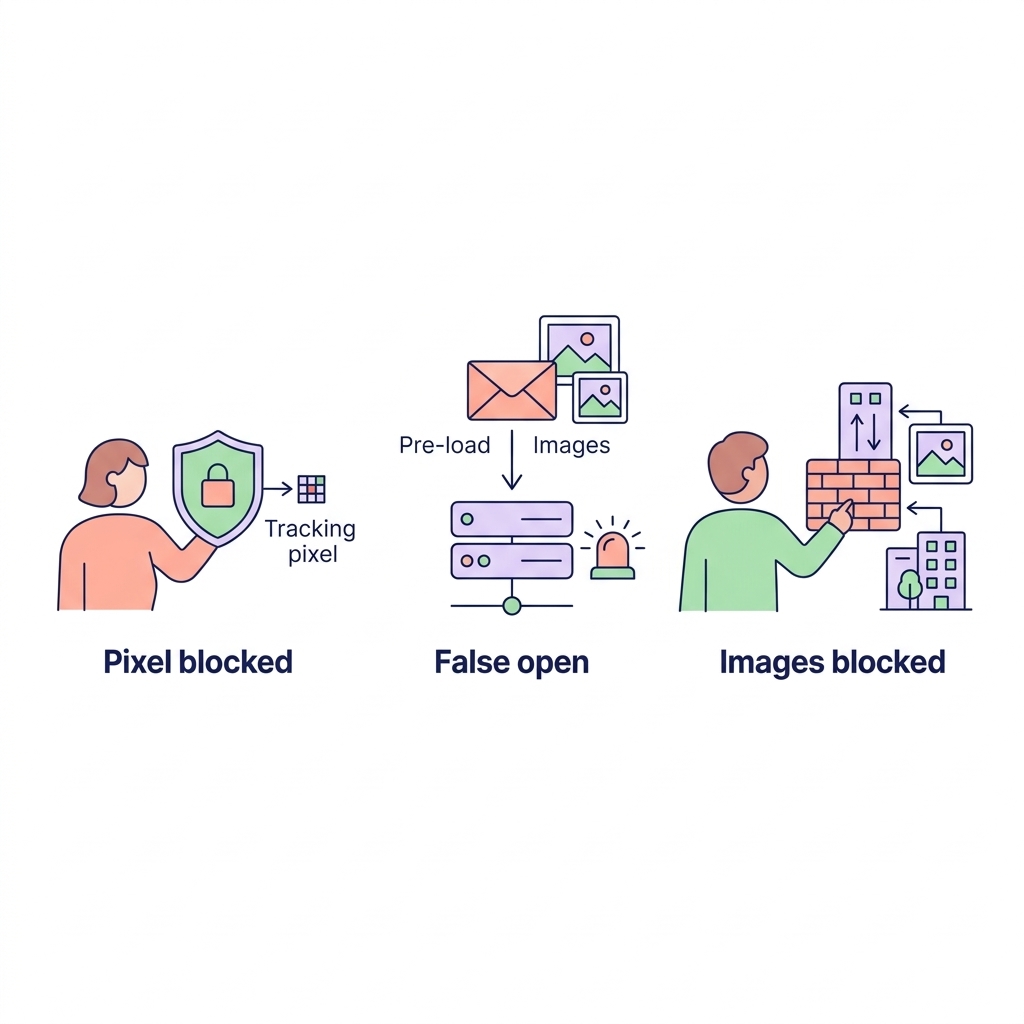
While email tracking is a powerful tool, it is not infallible due to increasing privacy protections. Apple Mail and Gmail implemented privacy policies in 2021 that can block tracking pixels or trigger false opens by pre-loading images on their servers. Additionally, many corporate environments in the manufacturing sector block external images by default, which prevents the tracking pixel from loading even if the recipient has read the email thoroughly.
To maintain the highest possible data accuracy, you should consider the following troubleshooting tips:
- Avoid opening your own tracked emails in the Sent folder of an external email client, as this can trigger false open alerts.
- Ensure your emails contain enough HTML content and text, as completely blank email bodies can sometimes interfere with the tracking pixel.
- Focus on link clicks as a more reliable metric, as link tracking is generally more resilient to image-blocking software.
- Monitor your sender reputation to prevent overcoming email deliverability challenges that might land your tracked messages in the spam folder.
Enhancing your sales workflow with AI
Pipedrive tracking shows you when someone is interested, but acting on that interest at scale requires a more sophisticated approach. Integrating your CRM with tools like Pipedrive and Leadfeeder integration can provide a 360-degree view of how companies interact with both your emails and your website. This combined data helps you prioritize high-value prospects who are showing consistent intent across multiple channels.
Advanced solutions like Sera’s AI Autopilot take this further by using engagement signals to adjust your outreach strategy automatically. Sera employs six specialized AI agents – including a Research Analyst and an Outreach Writer – to craft personalized, human-sounding messages in over 100 languages. This ensures your outreach remains professional and relevant to decision-makers, while the Deliverability Guard protects your inbox placement so your tracking pixels actually have a chance to load.
By combining Pipedrive’s tracking capabilities with AI-driven research, you can replace high-volume spam with high-precision outreach. This professional approach respects the time of your prospects while ensuring your sales team focuses only on the leads most likely to convert.
Ready to transform your sales process with ultra-targeted outreach that actually lands in the inbox? Discover how Sera’s AI agents can fill your calendar with qualified meetings.